How Does Playing 3D GTA Games in a Web Browser Work?
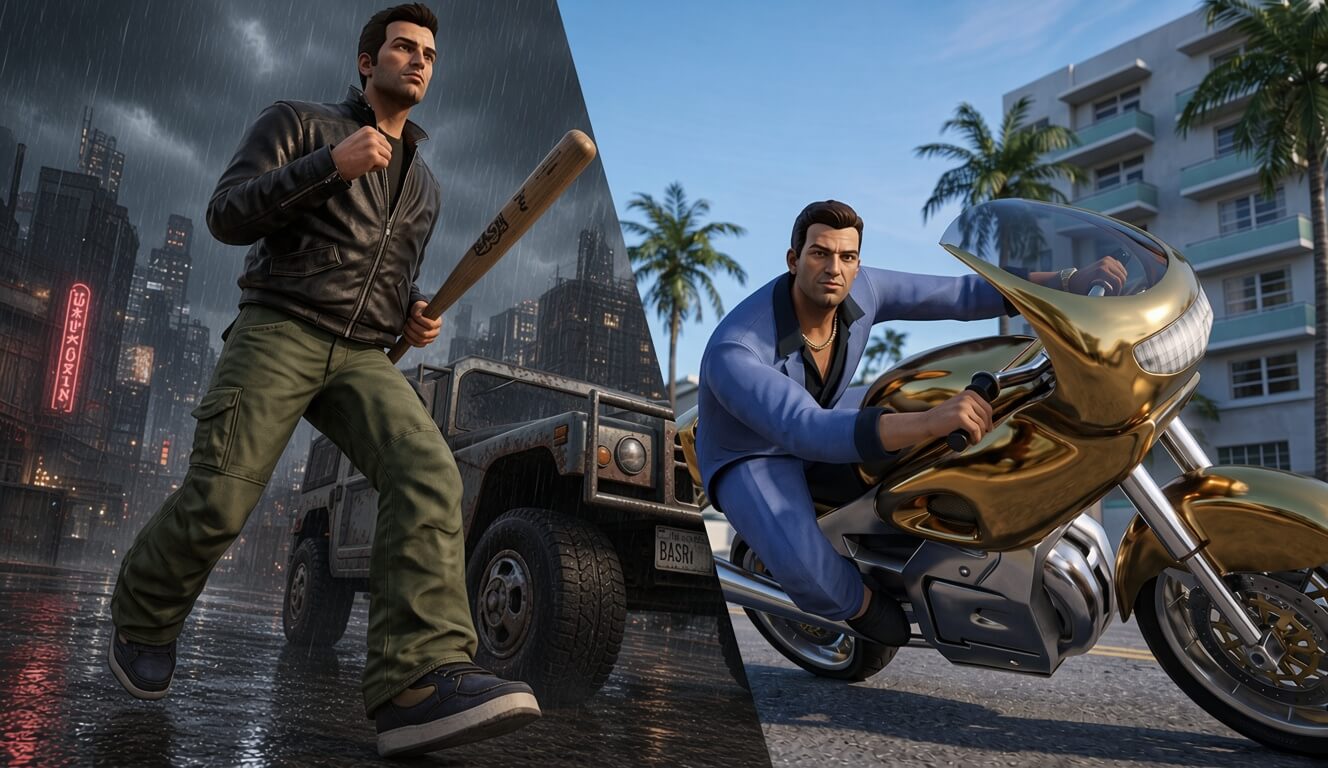
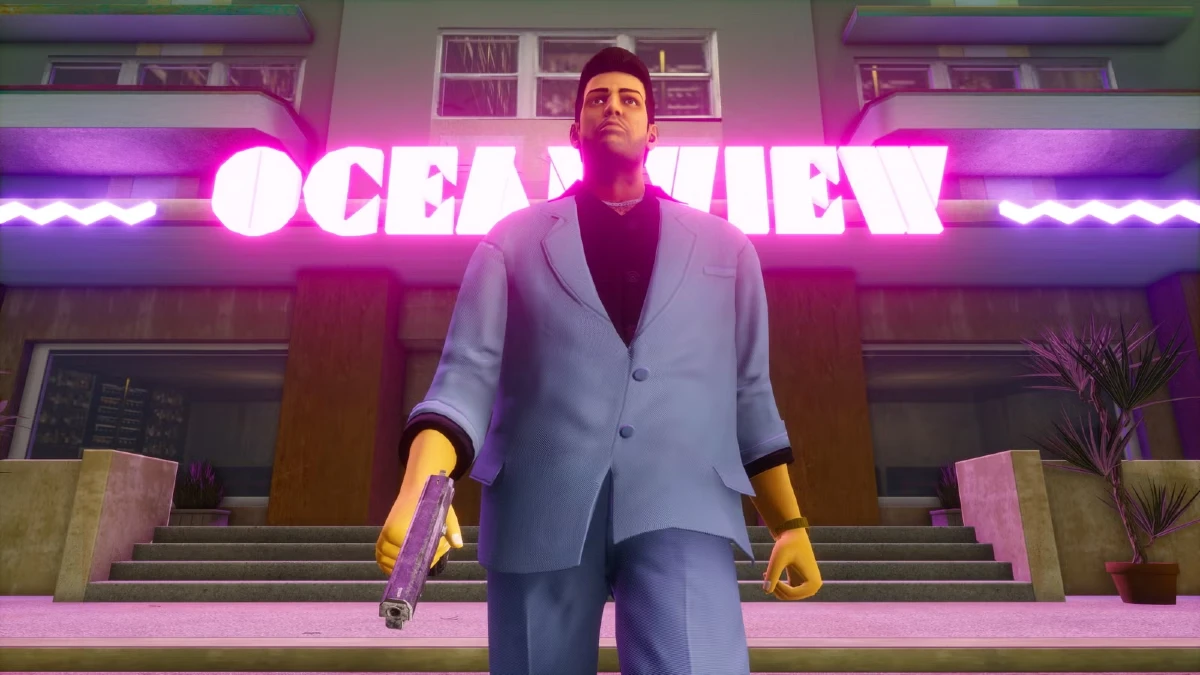
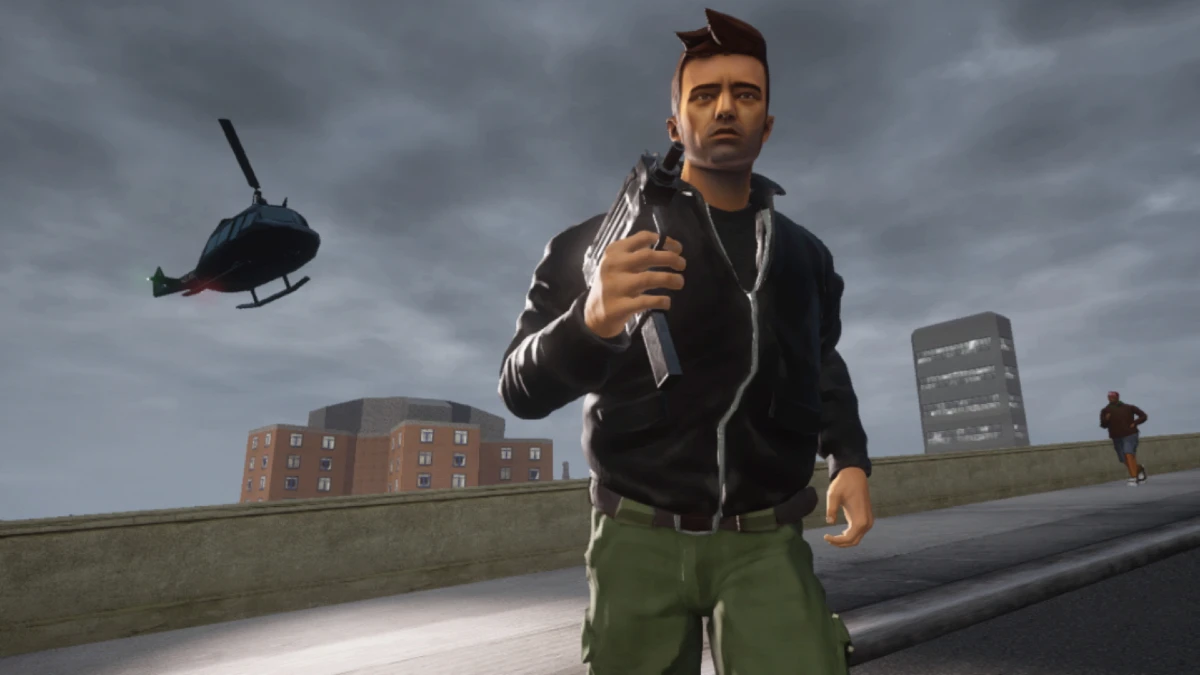
For decades, running large-scale 3D titles like Grand Theft Auto III and Grand Theft Auto: Vice City required physical discs, heavy desktop installations, or complex software emulators. Today, through modern browser technology and open-source reverse-engineering milestones, these landmark titles execute directly inside Google Chrome, Mozilla Firefox, Microsoft Edge, and Safari.
When you launch a game on QUENQ GTA, your web browser loads the complete game world into an isolated secure sandbox. Modern hardware-accelerated WebGL graphics give your computer smooth rendering control over Liberty City and Vice City with zero lag and instantaneous loading.
Recommended System Requirements for Web Browser Play
| Component | Minimum Web Spec | Recommended Spec (60+ FPS) |
|---|---|---|
| Web Browser | Chrome 88+, Firefox 85+, Edge 88+, Safari 15+ | Latest Chromium or Firefox with Hardware Acceleration enabled |
| Processor (CPU) | Dual-Core 2.0 GHz Intel / AMD / Apple M1 | Quad-Core 2.5 GHz+ (Intel Core i5 / AMD Ryzen / Apple M-series) |
| Memory (RAM) | 2 GB Browser Available Heap Space | 4 GB+ Available RAM for smooth asset caching |
| Graphics (GPU) | Integrated Graphics with WebGL 2.0 Support | Dedicated NVIDIA / AMD / Apple Silicon GPU |
Frequently Asked Questions (FAQ)
Do I need to download or install any files to play?
No downloads or executable installations are required. Everything streams and executes within your standard web browser tab.
How do save games work? Will I lose my progress when closing the tab?
Progress saved at safehouses is stored in your browser's persistent storage. As long as you do not clear your browser data or site cookies, your saved games will remain available every time you return.
Can I use a gamepad or controller?
Yes. Modern browsers support the HTML5 Gamepad API. Connect an Xbox, PlayStation, or standard PC Bluetooth controller and it will map automatically.